What actually opens: a desktop, not a chat window
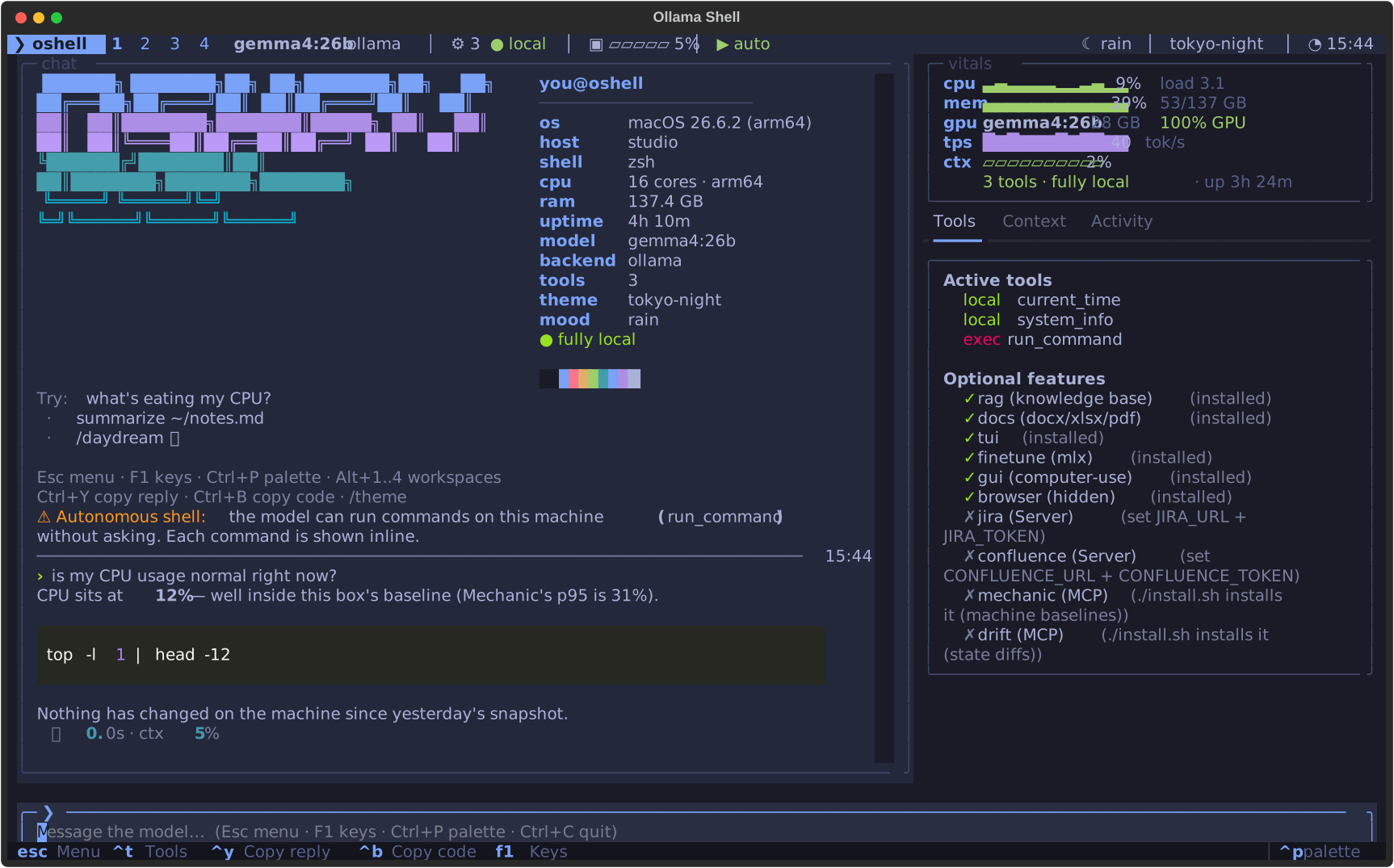
The real oshell tui, exported straight from the terminal
(no mockup). A Waybar-style bar with workspaces 1–4, a chat tile that
greets you with fastfetch, a vitals tile (CPU · RAM · what's on the
GPU · tok/s · context), the tools tile, and a launcher-style prompt —
every tile in the theme's border, the focused one lit.
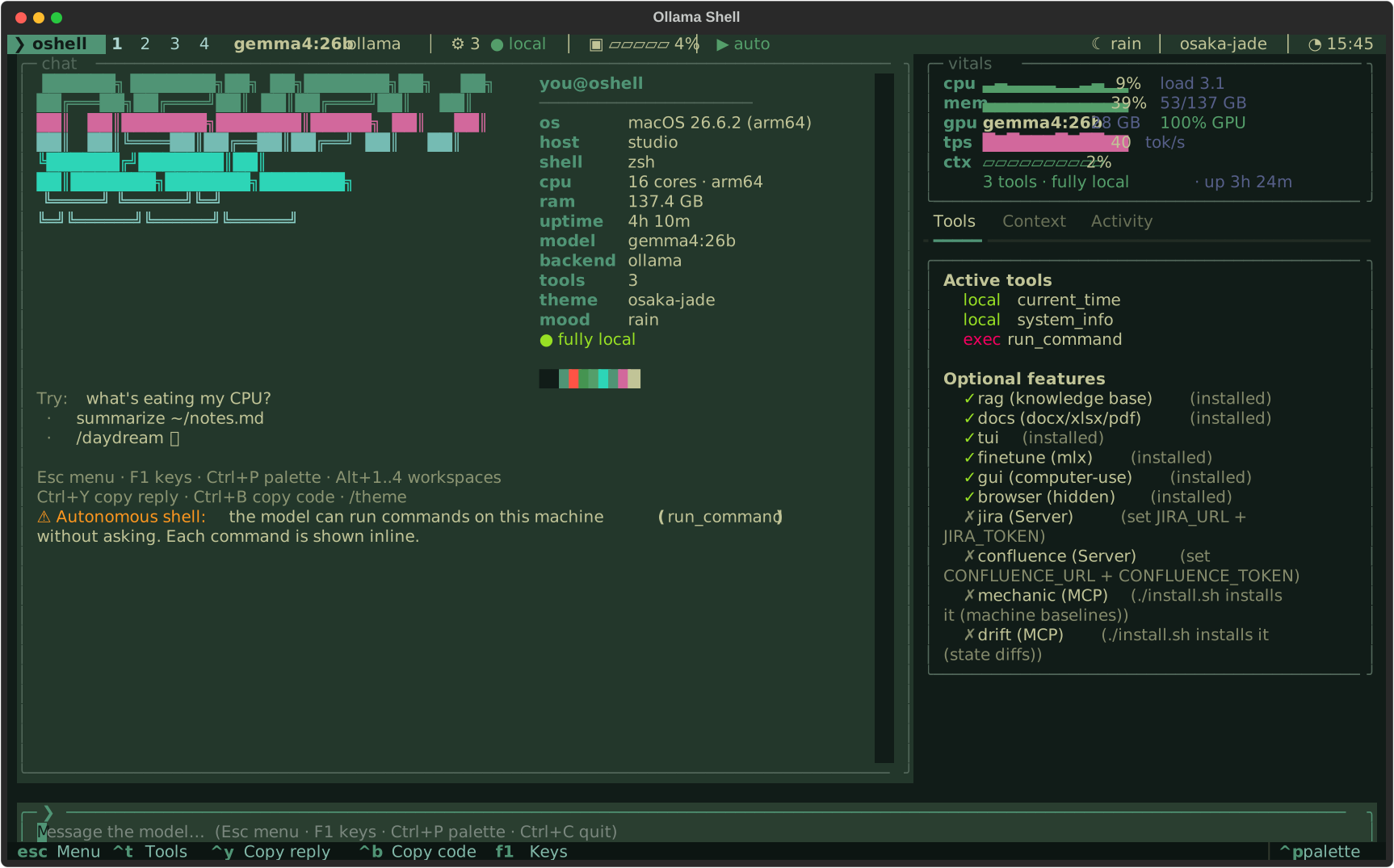
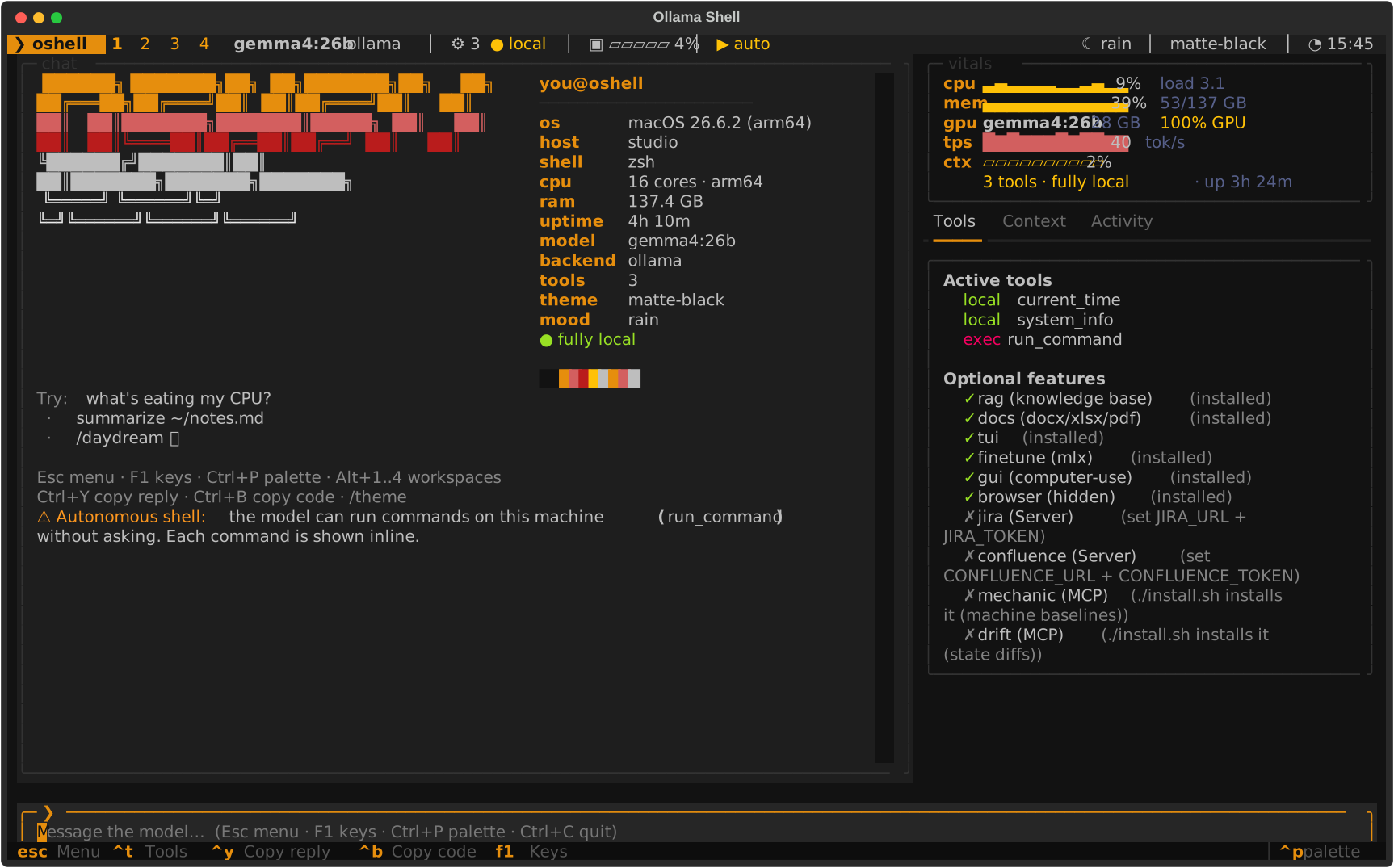
One palette, every surface
Omarchy's colors.toml, verbatim. oshell theme set osaka-jade restyles the TUI, the CLI, and writes Ghostty / Alacritty / Kitty / WezTerm / btop configs into ~/.oshell/current/. Drop any community Omarchy theme into ~/.oshell/themes/.
The shell is the conversation
In the shell_gpt tradition, local-first: oshell do "…" → run / edit / describe / chat / no. oshell fix explains why the last command failed and proposes the fix. oshell explain, oshell code, roles in ~/.oshell/roles/.
It moves in
eval "$(oshell init zsh)" — or bash, or fish. ⌃G asks about your line; a # comment + ⌃G becomes the command on your line; unknown commands point at oshell do.
Keys, screensaver, fetch
F1 is the keybindings overlay. /screensaver drifts the wordmark through the weather. oshell fetch is a neofetch for the assistant itself.